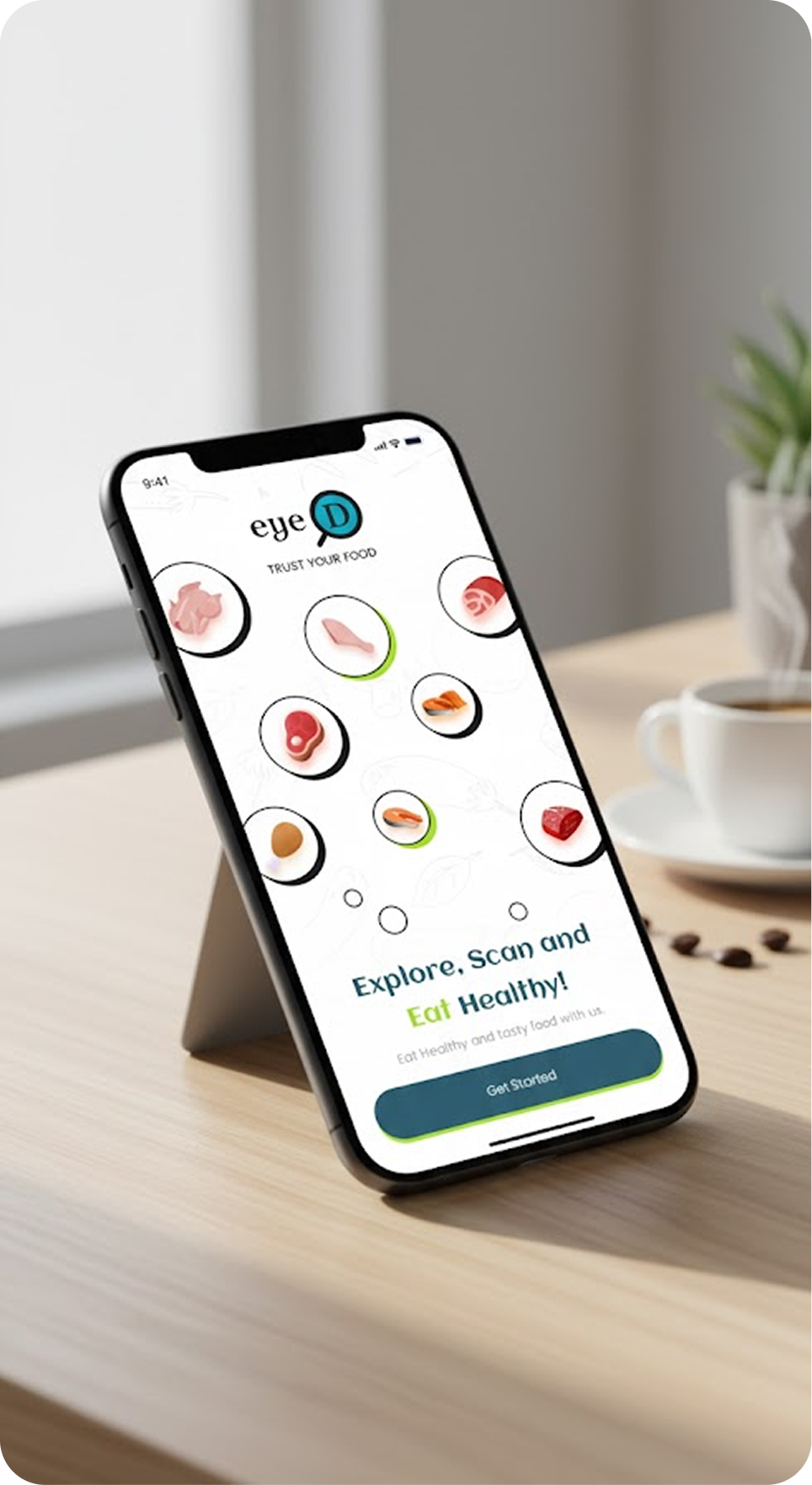
BioTip eyeApp is an AI-powered mobile application designed to revolutionize food quality assessment. Built for both individual consumers and businesses in the food industry, the app empowers users to evaluate the freshness of food products in real time simply by capturing a photo.
When a user uploads an image of a product containing a BioTip sensor sticker, the app sends it to a custom-trained AI model that detects the sticker, classifies its color, and determines whether the food is fresh, consume soon, spoiled, or no sticker detected. Each scan automatically records the location and time of the test, enabling users to revisit their scan history and track quality trends over time.
BioTip eyeApp bridges the gap between technology, transparency, and trust in the food industry — helping improve food quality, reduce waste, and promote smarter consumption decisions.
Our development team designed an experience that blends scientific accuracy with everyday ease. From a clean interface to real-time image classification, every detail promotes trust, safety, and healthy living.
Brand Identity
BioTip is a food-tech company, enabling real time transparency of microbial load measurements across the food supply and consumption chains. BioTip’s proprietary, patent protected, eyeD food qulaity sensor is designed to improve food quality, reduce waste and enhance consumer loyalty across the food value chain from producer, through distribution, retail & food service to home use by consumers.
Logo
Typography
Aclonica & Poppins
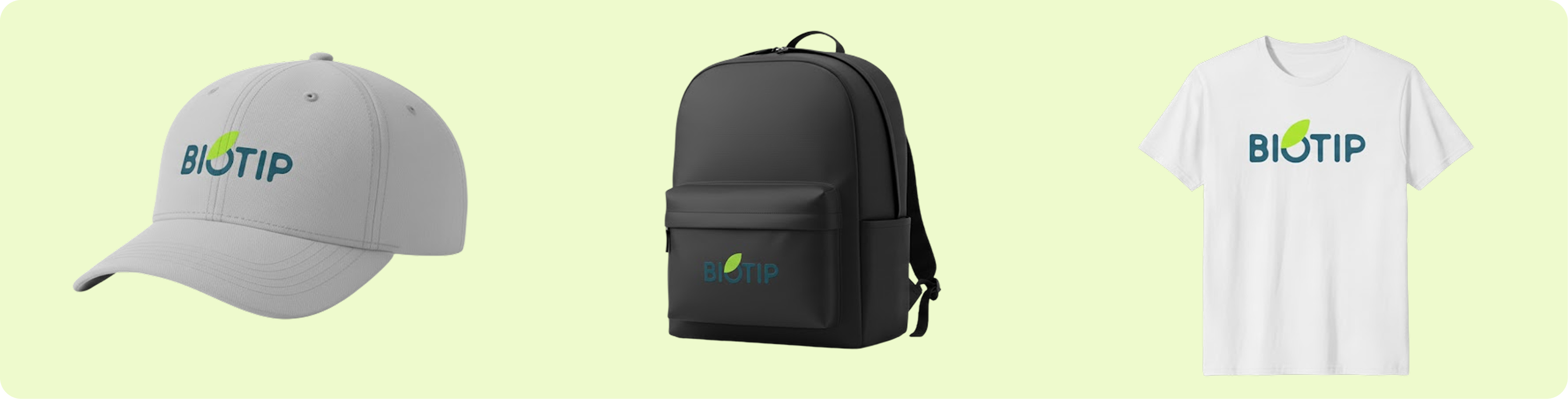
Mockups
Case Study
The BioTip eyeApp project combines AI and mobile design to tackle global food waste and safety. It solves the problem of verifying food freshness by allowing users to take a photo of a product with a BioTip sticker. The AI-driven app then provides an instant freshness evaluation, replacing subjective judgment and external testing methods.
Technical Highlights
Technical Highlights
BioTip eyeApp is an AI-powered, multi-language mobile app built for scalability and seamless user experience. It uses modern technologies across its frontend, backend, and AI systems.
Mobile Application
Framework: Flutter (cross-platform for Android & iOS)
Smooth UI, native animations, and responsive layouts
Modular architecture with multi-language support
Backend API
Technology:Node.js (Express)
Handles authentication, image uploads, profiles, and scan history
RESTful API with secure, documented endpoints via Swagger
AI Model API
Technology: Python (FastAPI) for fast, asynchronous inference
Detects BioTip stickers and classifies freshness
Endpoints documented via Swagger UI
AI Model Architecture
Object Detection: YOLO v8 for high-accuracy sticker isolation
Classification: MobileNet CNN for freshness classification, optimized for mobile
Location & Metadata
Images tagged with location and timestamp for traceability
Data & Security
Secure image uploads with token-based authentication
Complies with Google Play User Data Policy and ensures privacy
Documentation & Developer Support
Fully documented APIs via Swagger UI
Modular microservice architecture for easy scaling and upgrades
SignUp
Signup Screen
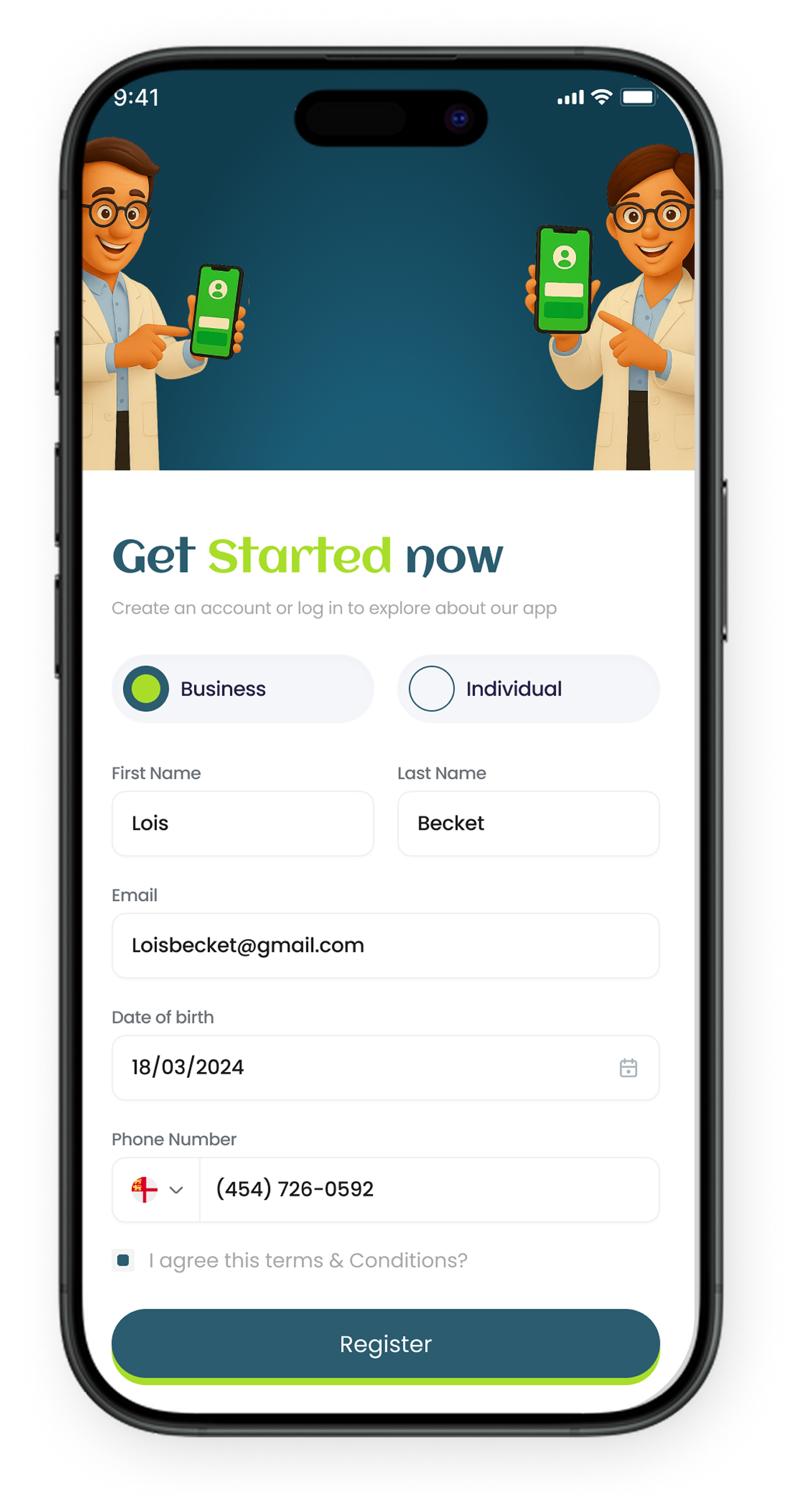
The Signup Screen provides a fast, intuitive, and compliant onboarding experience for BioTip eyeApp users. It supports two account types—Individual (home users) and Business (restaurants/vendors)—using a unified UI with backend-specific handling.
Key Features:
Input Fields: First/Last Name, Email, Date of Birth, Phone Number with validation, regex checks, and a native date picker.
Terms & Conditions: Mandatory consent checkbox linked to the app’s policies, ensuring Google Play and GDPR compliance.
Register CTA: Real-time validation and secure API-based account creation.
Impact
This flow ensures accurate data capture and a secure, user-friendly entry point for both consumers and businesses within the BioTip ecosystem.
Home
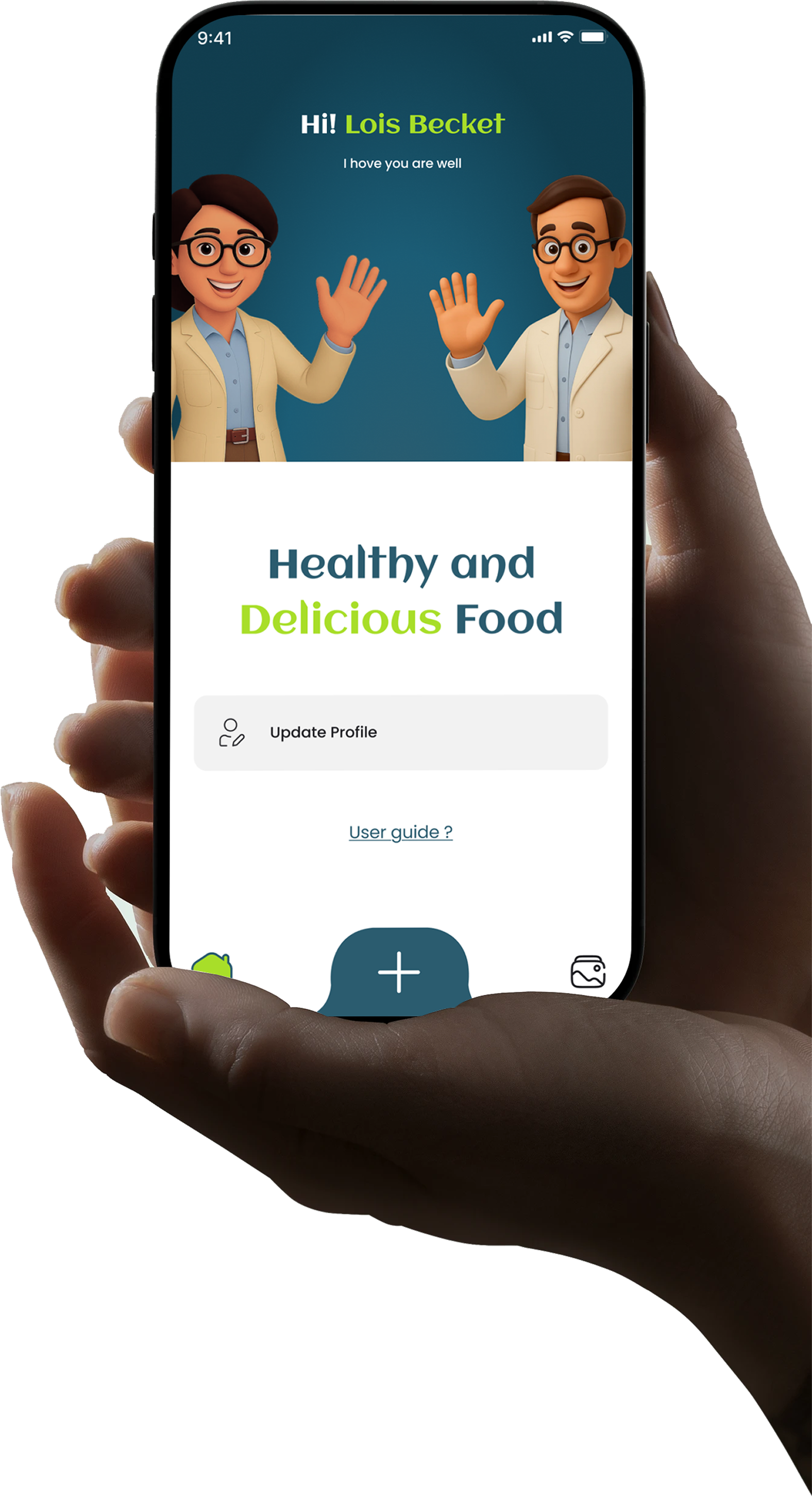
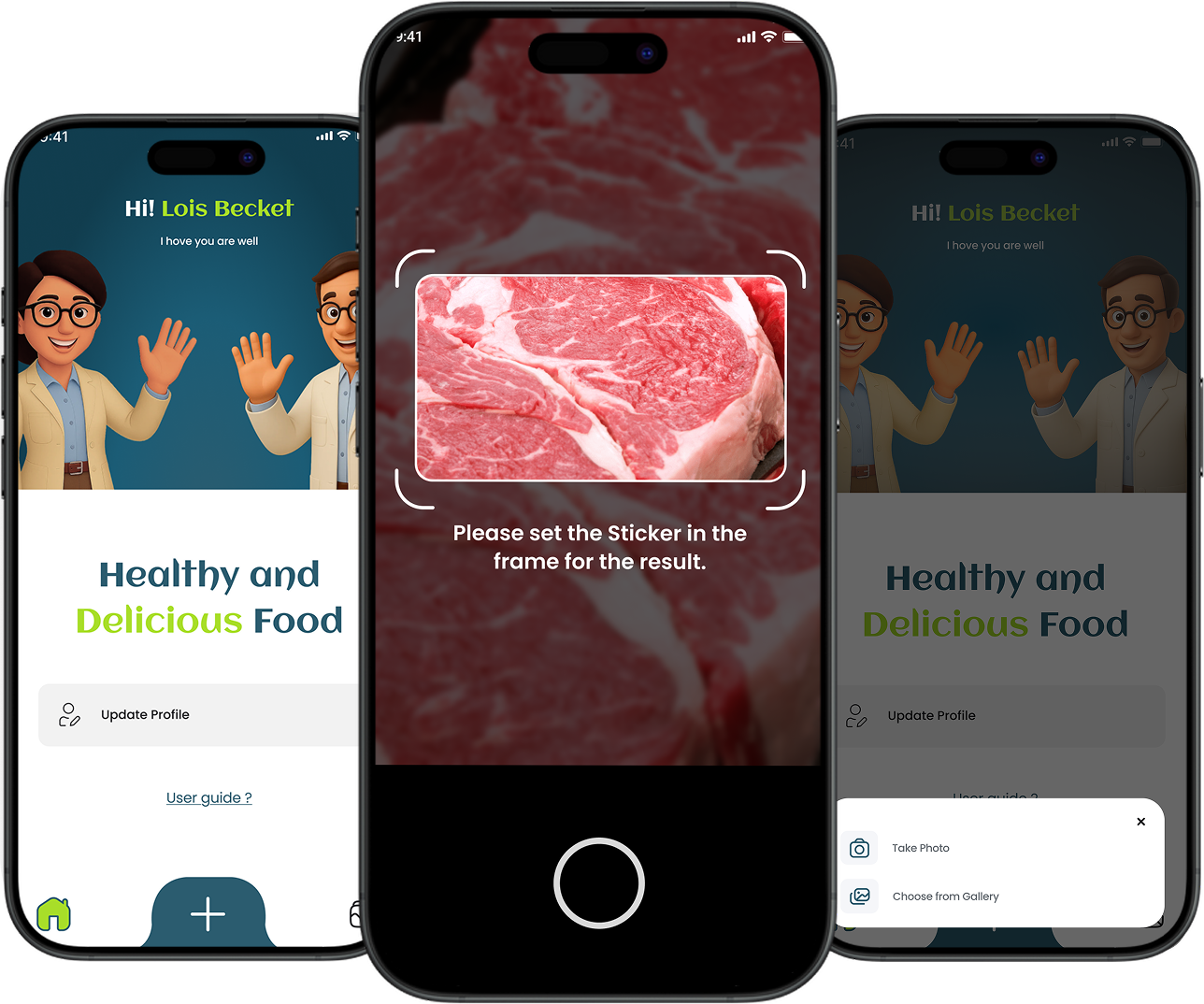
The Home Screen offers a welcoming, user-friendly experience with quick access to key features.
Visual & Greeting
1. Image:
A friendly illustration of a man and woman waving.
2. Greeting Text:
Personalizes the experience using the user’s first name.
Quick Actions
Below the greeting, there are two prominently displayed clickable cards or buttons for immediate access to key app features:
1. Update Profile:
Edit personal details like name, email, and language.
1. User Guide:
Access instructions on using the app and interpreting results.
This design ensures users feel welcomed and have immediate access to essential features.
Scan Product
The scan product Screen is where users assess food freshness using BioTip stickers, designed for speed and accuracy.
Key Features
1. Access:
Triggered by the “+” icon in the navigation bar, offering options to either take a photo or choose from the gallery.
2. Workflow:
Tags the image with location and timestamp.
Uploads the image for AI analysis.
Displays freshness status (Fresh, Consume Soon, Spoiled, or No Sticker).
Stores results in scan history.
Impact
This screen turns AI into a real-time, user-friendly tool for assessing food freshness, supporting smarter consumption and traceability.
Food Result
Food Result Screen
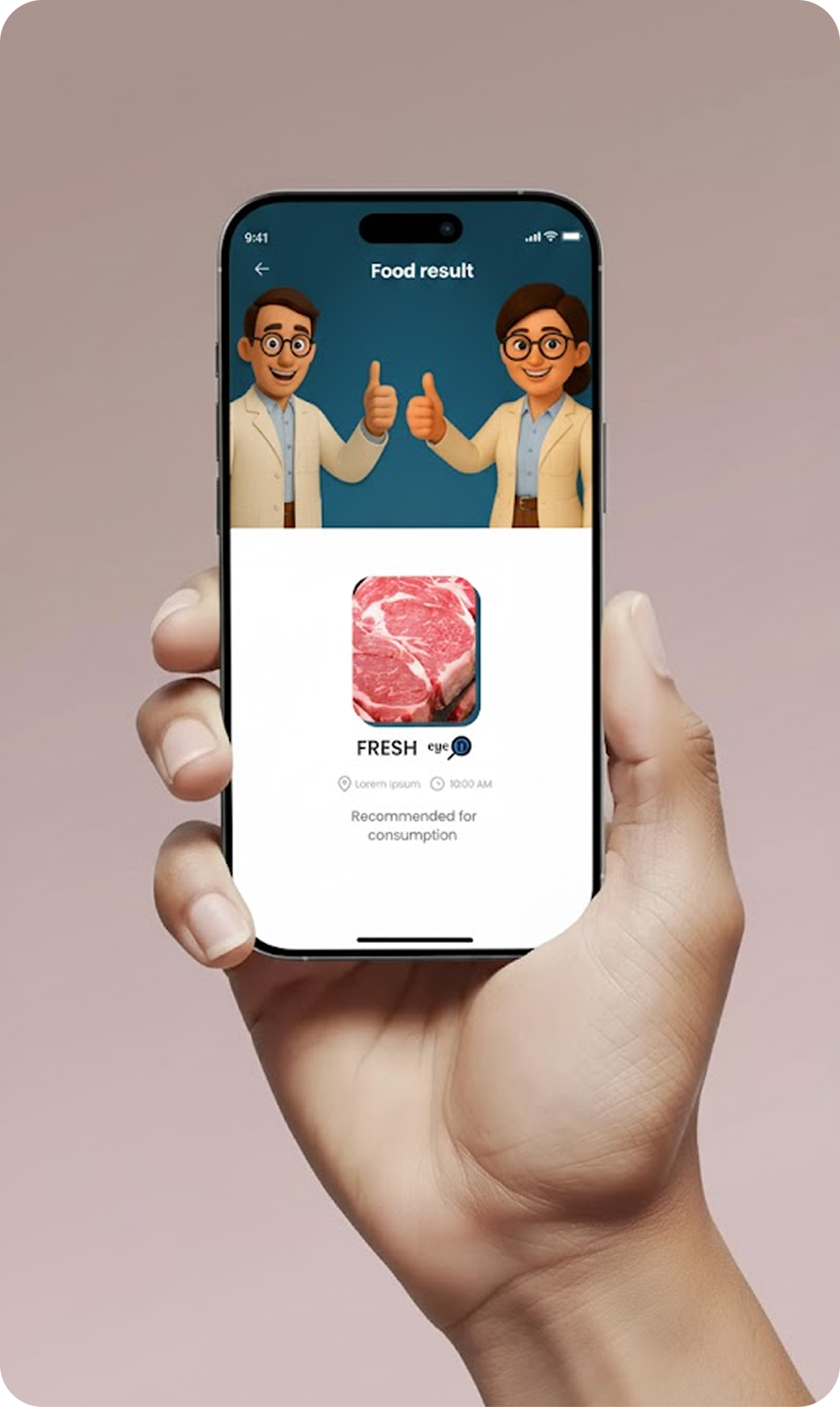
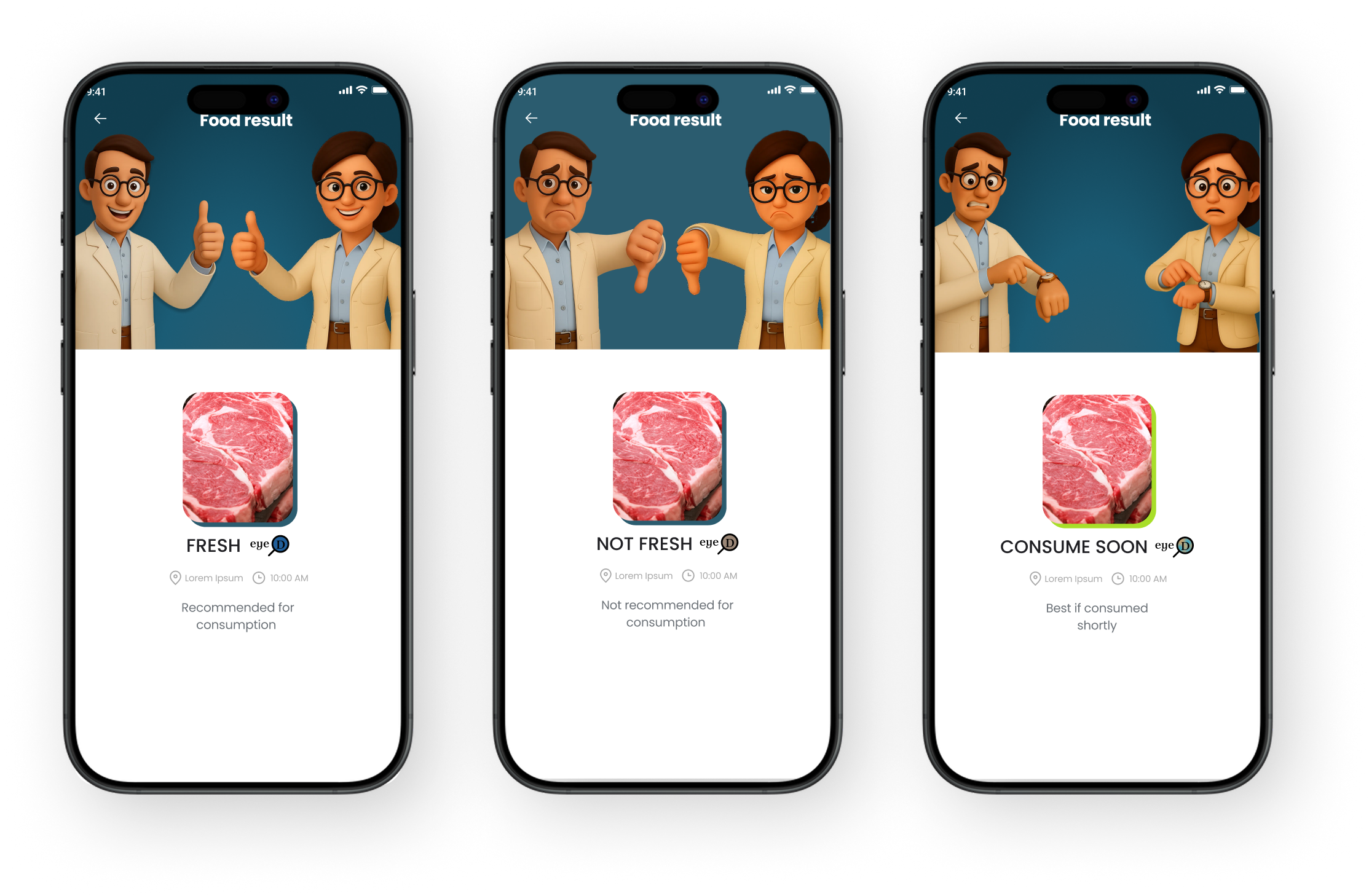
The Food Result Screen provides clear, actionable insights from the AI analysis of food freshness.
1. Key Features:
Food Status
Displays freshness with color coding and labels (Fresh, Consume Soon, Spoiled, No Sticker Detected).
Description
Provides an explanation and suggested action based on the result.
Location & Timestamp:
Shows scan location and time for traceability.
Impact
This screen transforms AI results into easy-to-understand feedback, helping users make informed decisions and maintain transparent records, while also serving as a quality verification tool for businesses.
Previous Results
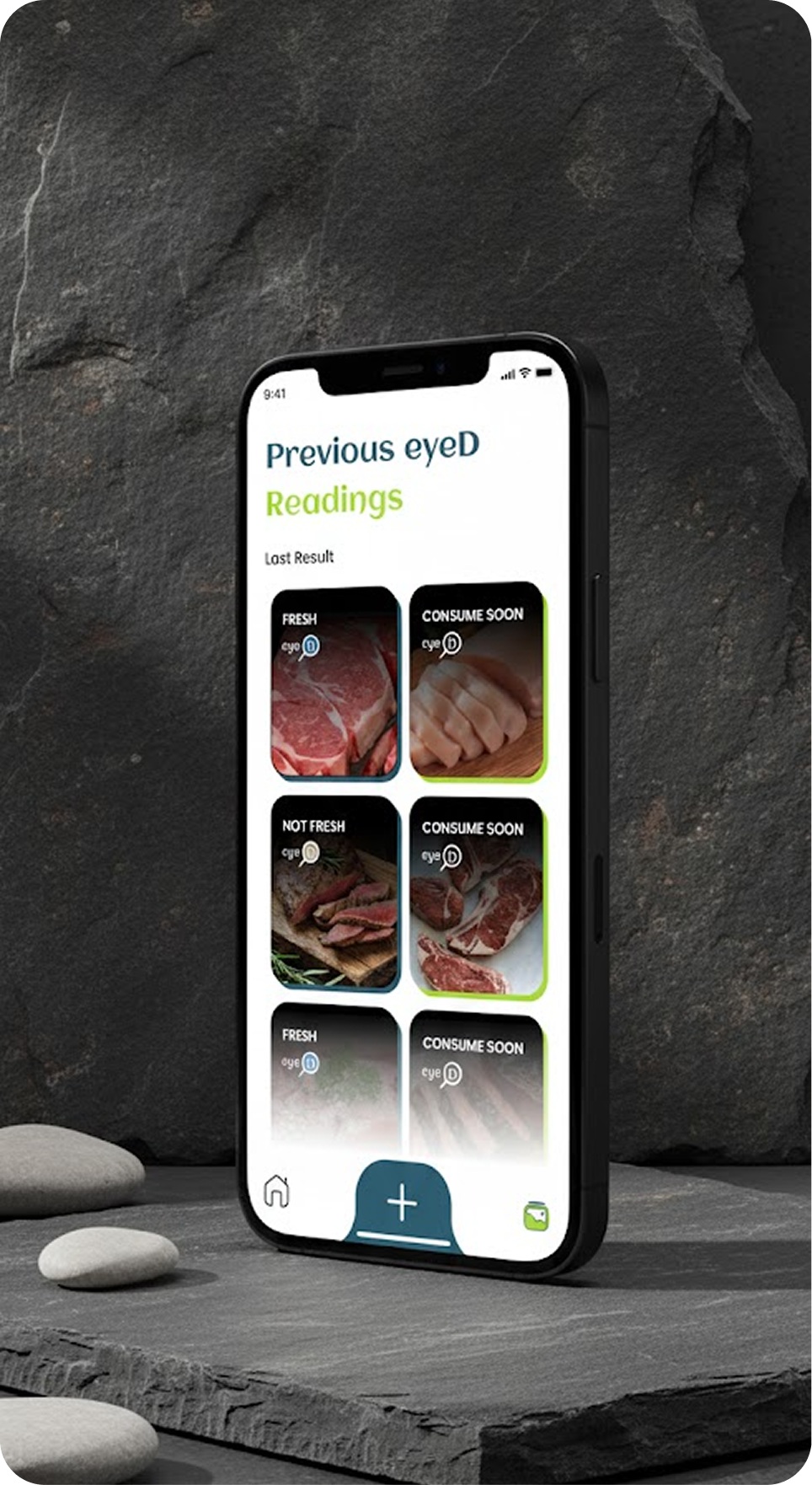
Previous eyeD Readings Screen
This screen gives users a visual history of all past food scans for quick reference.
Key Features
Grid View
Two-column layout with image thumbnails and color-coded status tags (Fresh, Consume Soon, Spoiled, No Sticker).
Interactive Items:
Each item opens the Food Result Screen for detailed insights.
Functional Highlights:
Recent scans shown first
Secure, persistent data from the backend
Quick overview of scan history
Impact
Helps users track freshness trends, revisit past results, and maintain transparent records for personal or business use.
Impact of BioTip eyeApp
BioTip eyeApp leverages AI and mobile technology to improve food quality, reduce waste, and enhance consumer loyalty by fostering transparency across the food value chain.
Key Impact Areas
The BioTip eyeApp combines AI-powered visual analysis with real-time context to empower users and promote a transparent, sustainable food ecosystem.
Key Impact Areas
1. Improved Food Quality
Instant freshness detection helps consumers avoid unsafe food. Businesses gain insights into supply chain quality, boosting standards and trust.
2. Reduced Food Waste
Accurate scans prevent the discarding of still-edible products. Data helps suppliers optimize storage and expiration management.
3. Enhanced Consumer Loyalty
Transparency builds trust between consumers and brands, with businesses gaining authenticity and a competitive edge.
4. Data-Driven Transparency
Scans create a growing dataset that supports evidence-based decisions, benefiting producers, retailers, and regulators.
5. Environmental & Social Benefits
Reduces food waste, supports sustainable practices, and aligns with the UN’s Sustainable Development Goals.
Summary
BioTip eyeApp drives a smarter, more sustainable food ecosystem by improving quality, reducing waste, and promoting transparency. Every scan contributes to a safer, more informed food system.